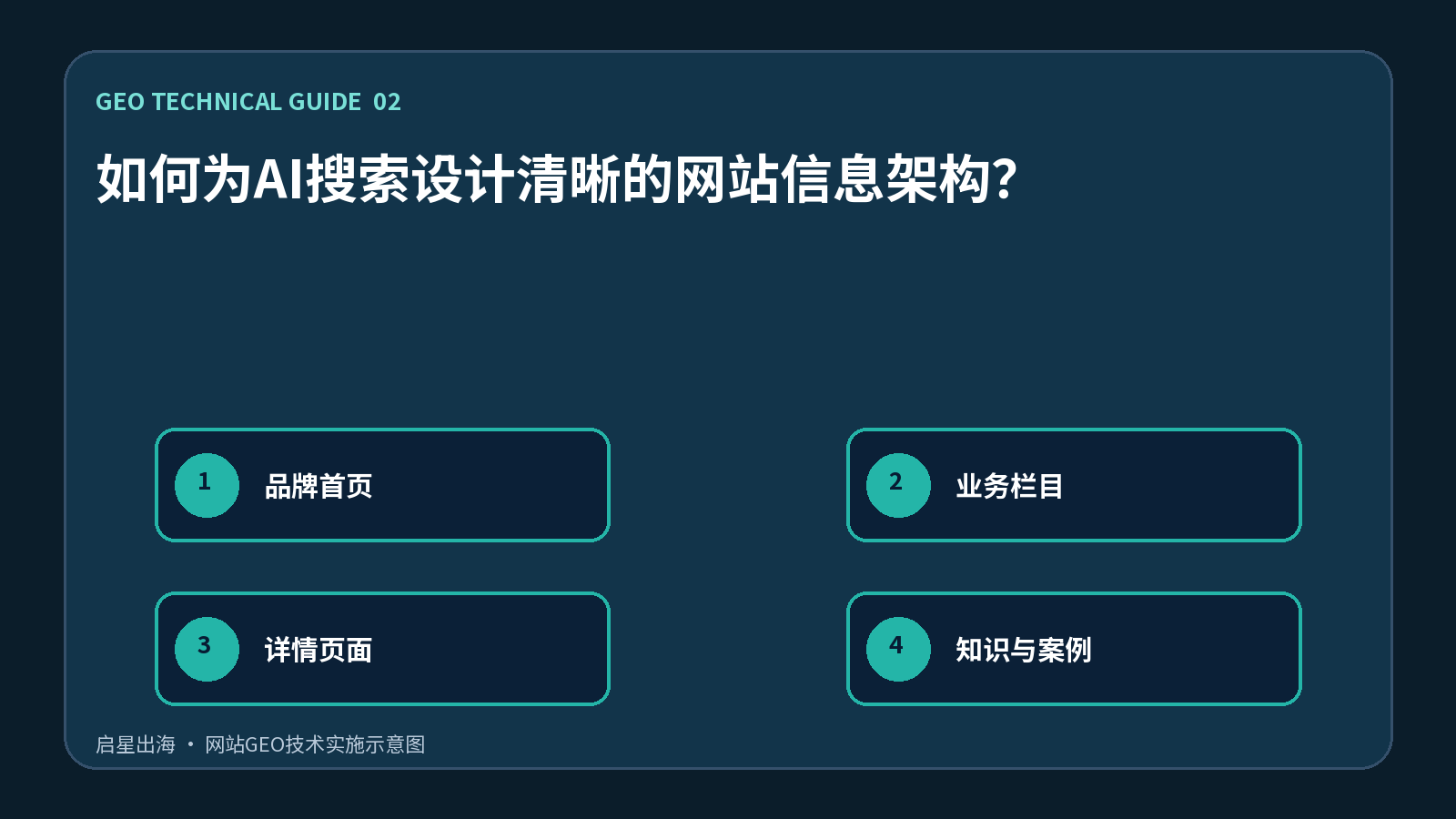
When the AI system understands the website, it does not read only the first page, but rather integrates navigation, URL, breadcrumbs, internal links and page theme relationships. If products, services, courses, cases and articles are all in one column, or if the navigation name is not consistent with the page theme, it is difficult for the machine to judge the tasks performed by each page. A clear information structure should allow visitors and reptiles to answer three questions: which is the type of content, which theme it belongs to, and which page should be visited next.
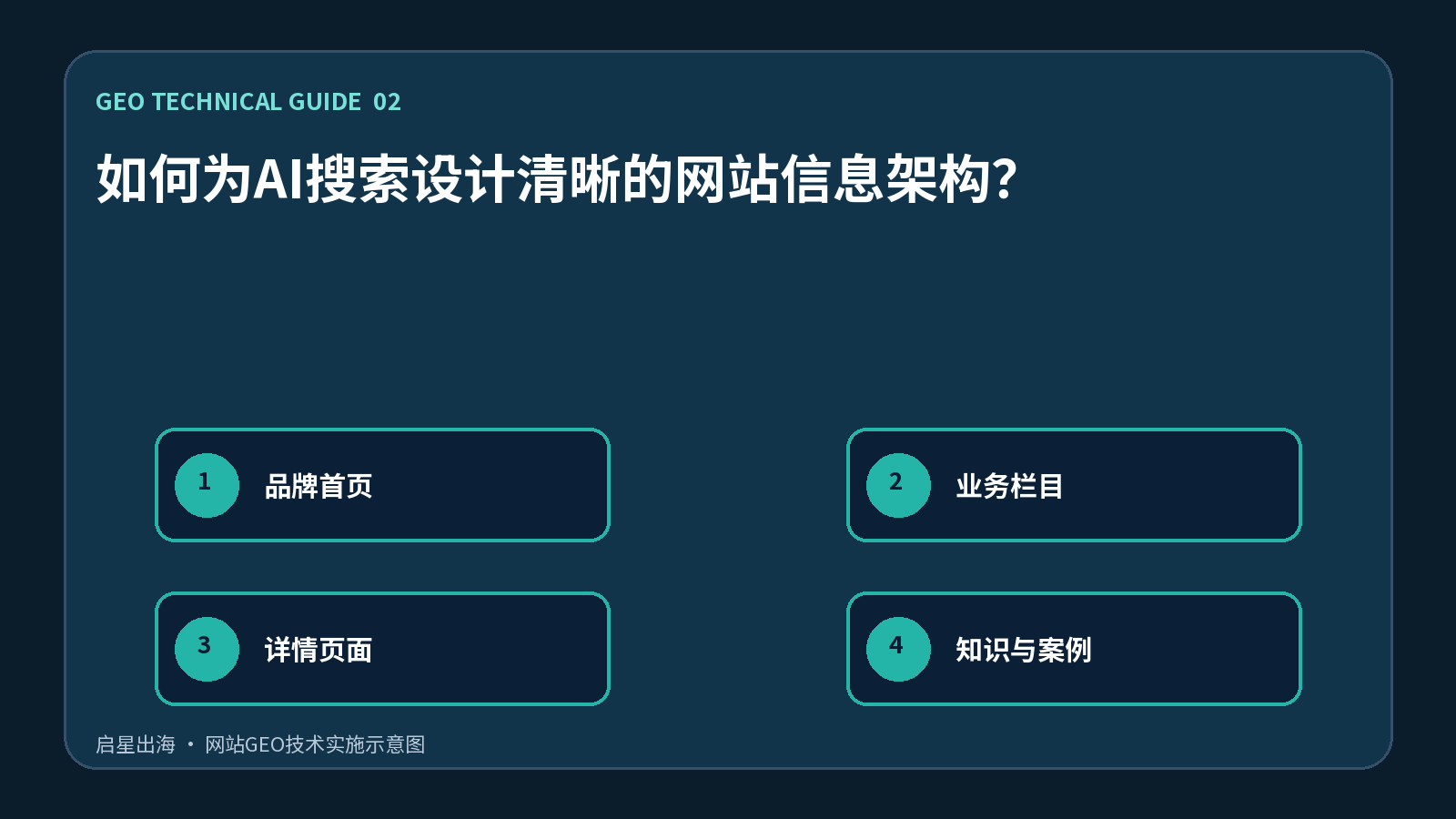
The first page represents brands and core positioning, the first-level columns represent business clusters, detailed pages represent a single product or service, knowledge articles explain procurement issues, and case pages provide evidence of results. Bread crumbs and context chains link these nodes. AI answers when combining information are easier to extract from pages with clear thematic boundaries, and to place cases, experts and products under the same business entity.
A list of content is created for each URL, indicating the type of content, the core theme, the target client, and the transformation target. The following is a combination of duplicated columns to avoid multiple inconsistent paths for the same service. It is proposed to adopt the structure of the “brand head page — business line — detailed pages — knowledge articles — case evidence” and to set out a profile, sub-page list, and common questions for each business field. The navigation is limited to high-value entrances, long-tail articles are found in the classification page and in the inner chain.
Use the reptile tool to export click depth, isolated pages, re-directing chains and duplicate titles during validation. The core service page should preferably reach from the first page with a small number of clicks, but without the mechanical pursuit of all pages at the same depth. The log and user path should also be searched within the checkpoint: If the visitor returns from the article to the first page, the relationship between the article and the product is not clear.
The most common problem is to cover the increasing number of similar categories of keywords, which result in several thin columns; or to overdo navigation without a description of the cluster headings themselves. Another risk is that no 301 re-direction is set after changing the column path, leading to the invalidation of old links, Canonical and external references. The information architecture should give priority to the actual business classification of the service rather than to the direct transformation of the keyword into a menu.
When you land, “brand homepages, business fields, detailed pages, knowledge and casebooks” should be included in the same release checklist, specifying who is responsible for the content, who is responsible for the technology, and the date of review. Any change must be accompanied by a review of the visible content of the page, HTML source code, structured data, internal links and site maps, so that the front desk is not updated and machine reading layers remain old values. GEO is not a one-time installation plugin and does not guarantee that any platform will be quoted; it is a set of content and technical works that continuously improves the accessibility, validation, attribution and citation of information.