"How the YouTube video chapter is set to work" does not have a one-size-fits-all answer to the scene. A more reliable starting point is the structure of the chapter's content, with real time and name available, before deciding on the specific tool and the release action.
The name of the chapter should help the audience understand the structure, and the specific qualifications and displays will remain in line with current product status.
Timetamps are inaccurate or chapter names are vague, making it difficult for users to locate the answers. When samples are scarce, the deviation is magnified by random fluctuations in a single video.
The order of execution is important. First, the right facts and rights are guaranteed, then the title is added at the actual turn at 00:00, and then, after publication, the desktop and cell phone are shown on a random basis to optimize packaging and production.
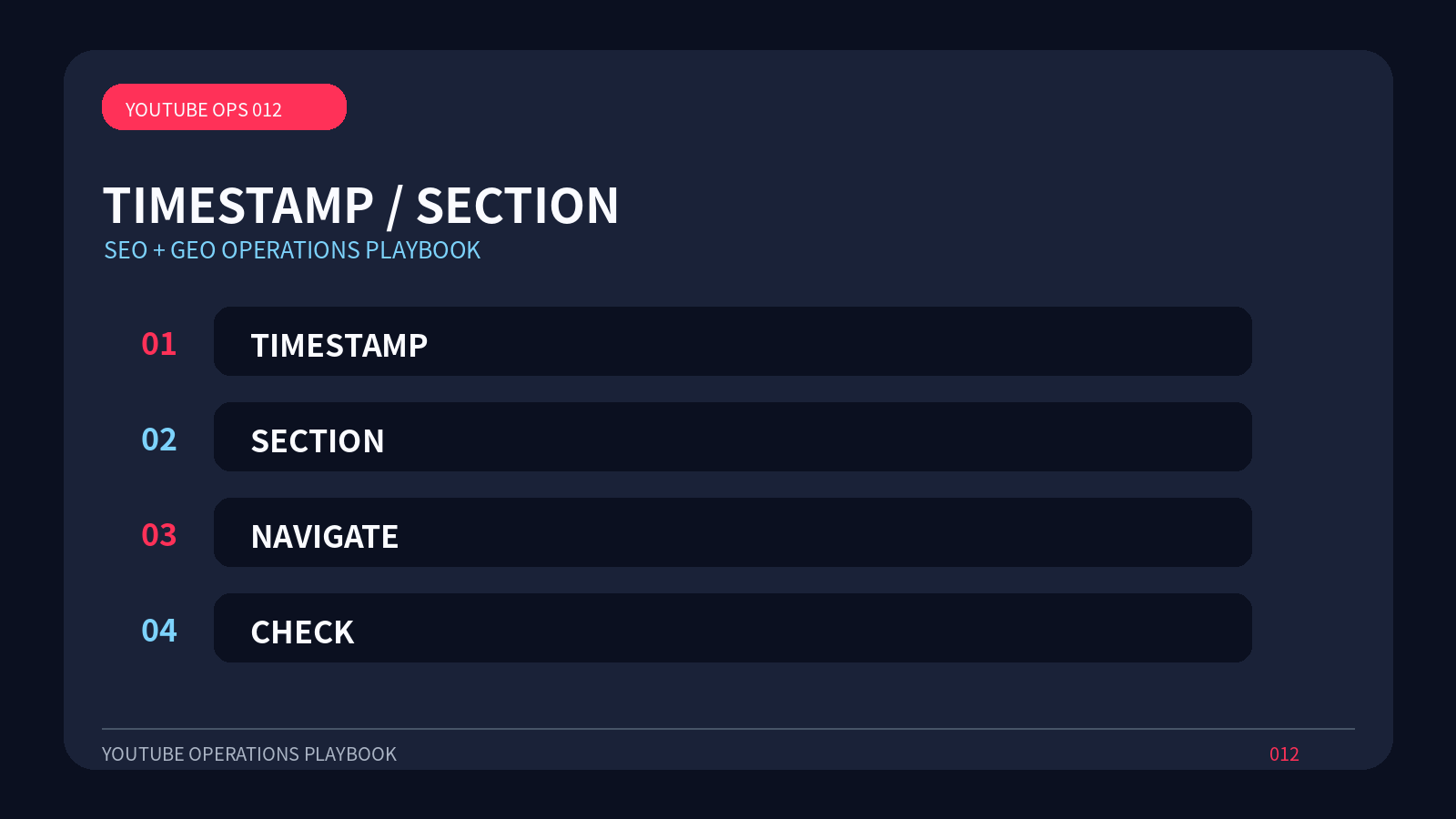
In order for the YouTube video chapter to be reproduced, the project record should include the target market, the material version, the release time, and four check points: TEMESTAMP, SECTION, NAVIGATE, CHECK.
At the data level, you can see the use of the chapter, the retention of the key paragraphs and the continuation of the user's view after the jump.
A reverse check before the release: Breaking down a large number of short chapters for keywords undermines reading and viewing experience. If it is possible, it reduces absolute expression and adds to user decision-making.
The content asset is best placed to use uniform serial numbering questions, scripts, masters, subtitles, thumbnails, web pages and release records.
The same taskcard should be used for team work.
If the subject matter is related to the product page, the case page or the help page, this section can be given the role of explaining the problem and then connect to the next step with a descriptive anchor text, avoiding competition among several similar pages.